The % Lien Holdback for a project is set in the Project Details area.
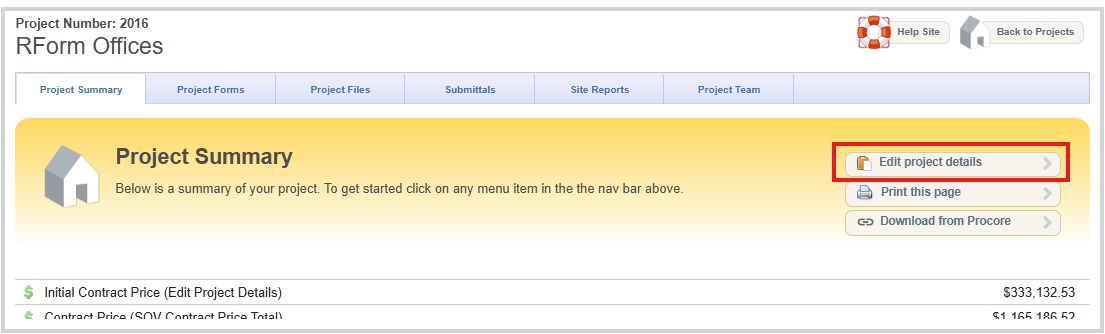
Setting Area
Certificate for Payment
When you create a Certificate for Payment you will also have some options as per this screenshot:
You have the option to check the box [] Do not calculate holdback on this certificate. If you do not want the Lien Holdback % applied to this entire CoP.
If you are wanting to Exempt Lien Holdback on a Line Item only you can set that in the SOV by editing the specific SOV items:
Schedule of Values - Exempt Lien Holdback Settings
To View/Edit SOV. Unlock SOV, Double check the type of SOV, and ensure the SOV is in EDIT mode. Then select a line item you want to exempt from Lien Holdback by clicking pencil icon.
Check off [] Exempt Lien Holdback
Then in your CoP creation you should see the item selected Exempt Lien Holdback checked off.
Was this article helpful?
That’s Great!
Thank you for your feedback
Sorry! We couldn't be helpful
Thank you for your feedback
Feedback sent
We appreciate your effort and will try to fix the article