Automate your shop drawing/submittal timelines. You can create an automatic "Presets" for the Date Required by for the Submittals of your project, in your Project Settings area.
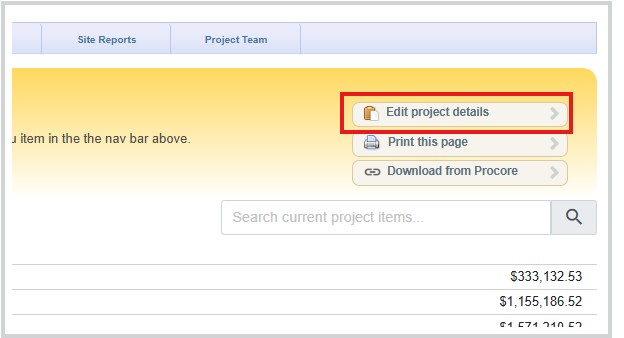
- Navigate to your project's settings area from your Project Summary page.
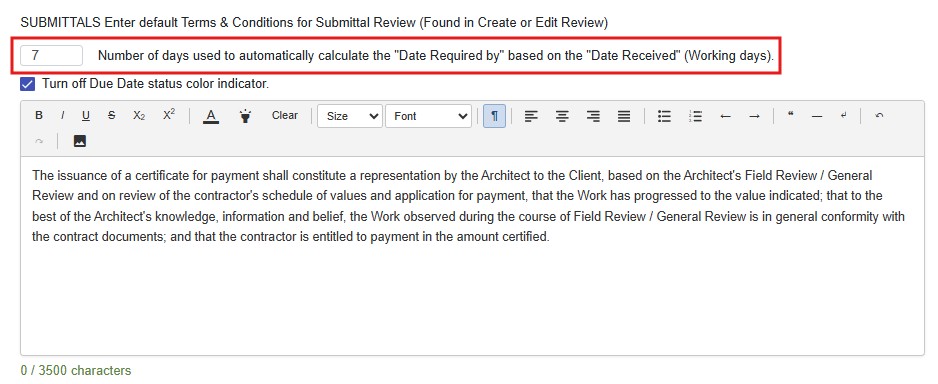
- Scroll down to the Submittals section and the Date Required by option.
- Select the 'working days' that you would like automatically calculated for each Submittal created as a default.
- Scroll to the bottom of the page and make sure you click 'Save' to save the setting modification.
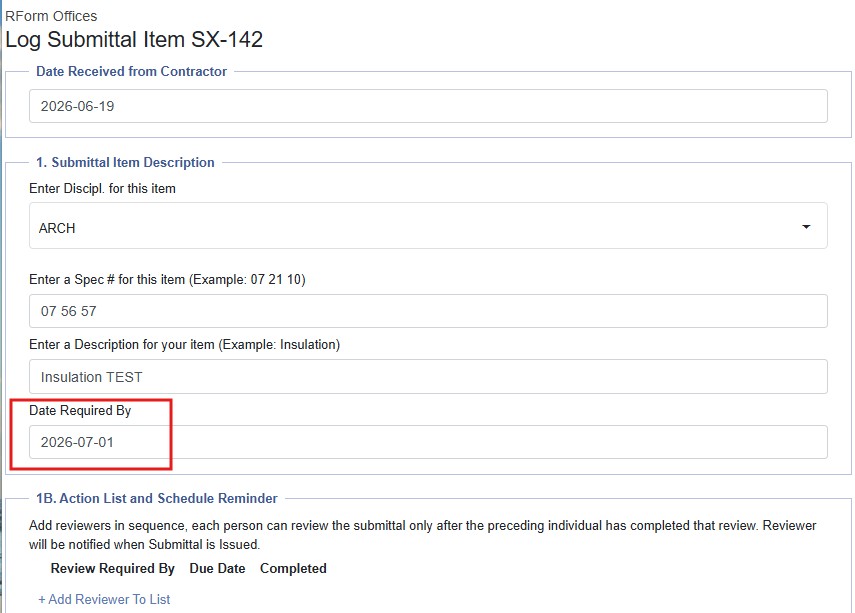
- The next time a Submittal is created, the Date Required By will be automatically populated the number of working days specified.
Was this article helpful?
That’s Great!
Thank you for your feedback
Sorry! We couldn't be helpful
Thank you for your feedback
Feedback sent
We appreciate your effort and will try to fix the article